
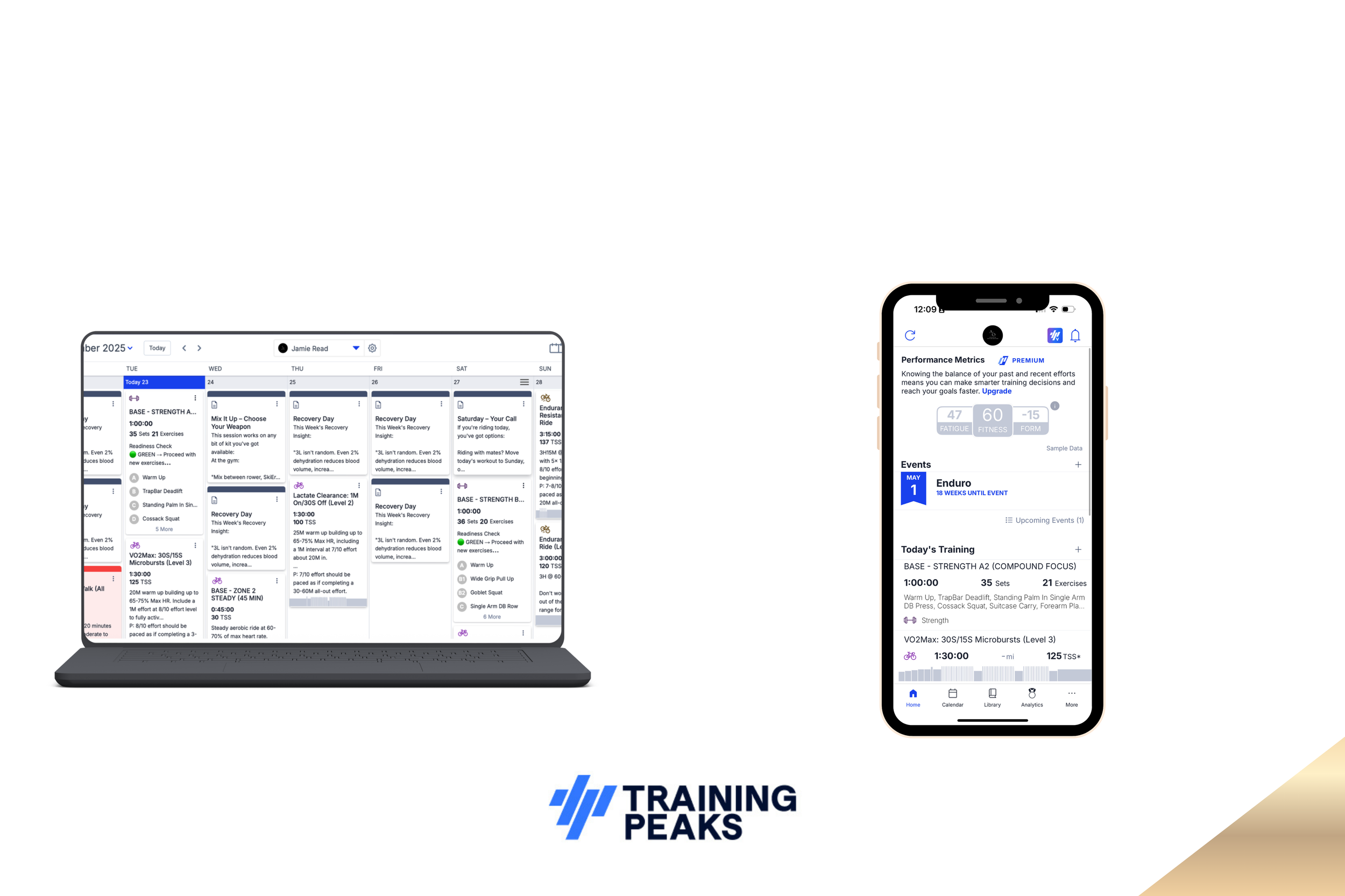
TrainingPeaks App: Notes & Links
TrainingPeaks is a brilliant tool not just for tracking and monitoring your workouts, but for delivering everything you need as an athlete. Within your plan, I've added numerous links and resources directly to your sessions so everything is in one place.

Phone Set Up
This program contains a lot of information training sessions, resources, and tools all in one place. To make sure you can access everything quickly and stay consistent, here's a simple phone setup hack. Taking five minutes to organise your apps now will save you time every single day and keep your training on track.
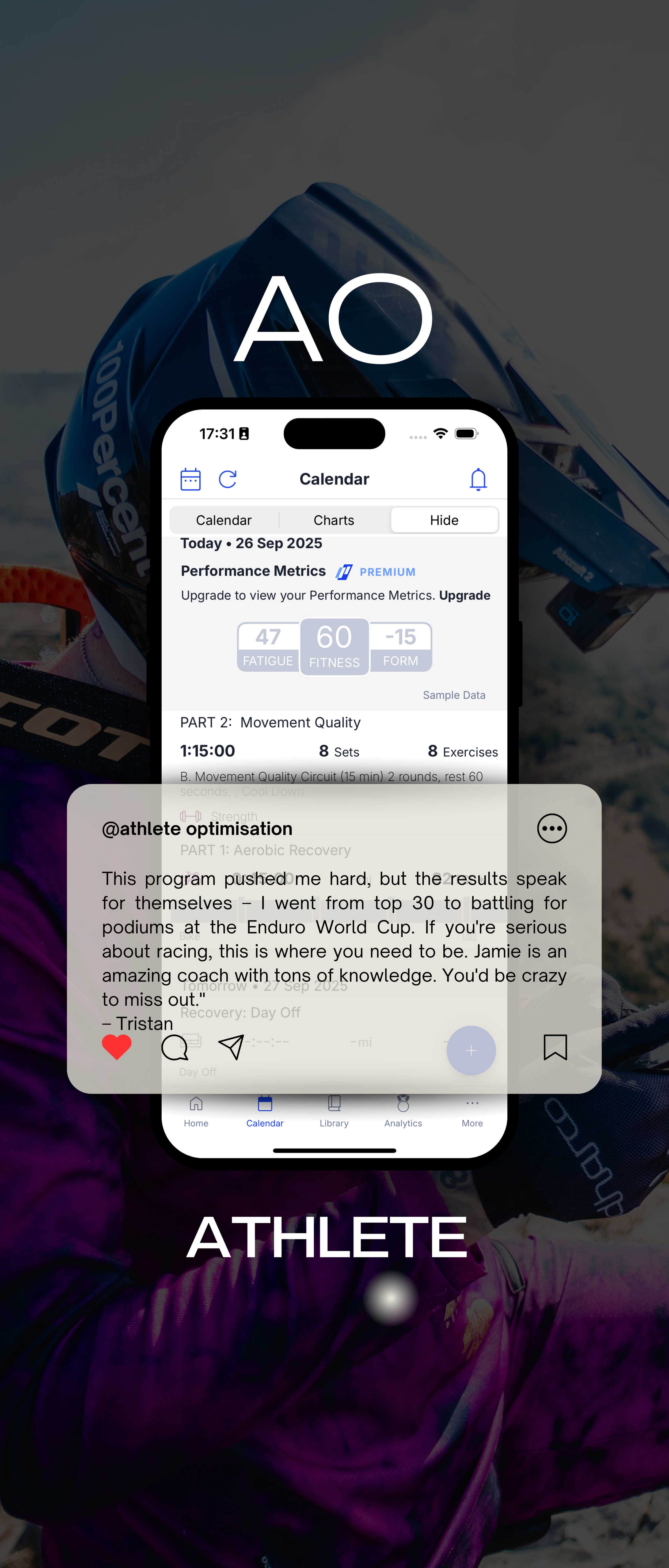
Getting Started Training Peaks
Getting the Most Out of TrainingPeaks
TrainingPeaks is an incredibly powerful tool that will become central to your training journey with me. As your coach, I use it to design your personalised training plans, monitor your progress, and make real-time adjustments based on how your body is responding to the work we're doing together.
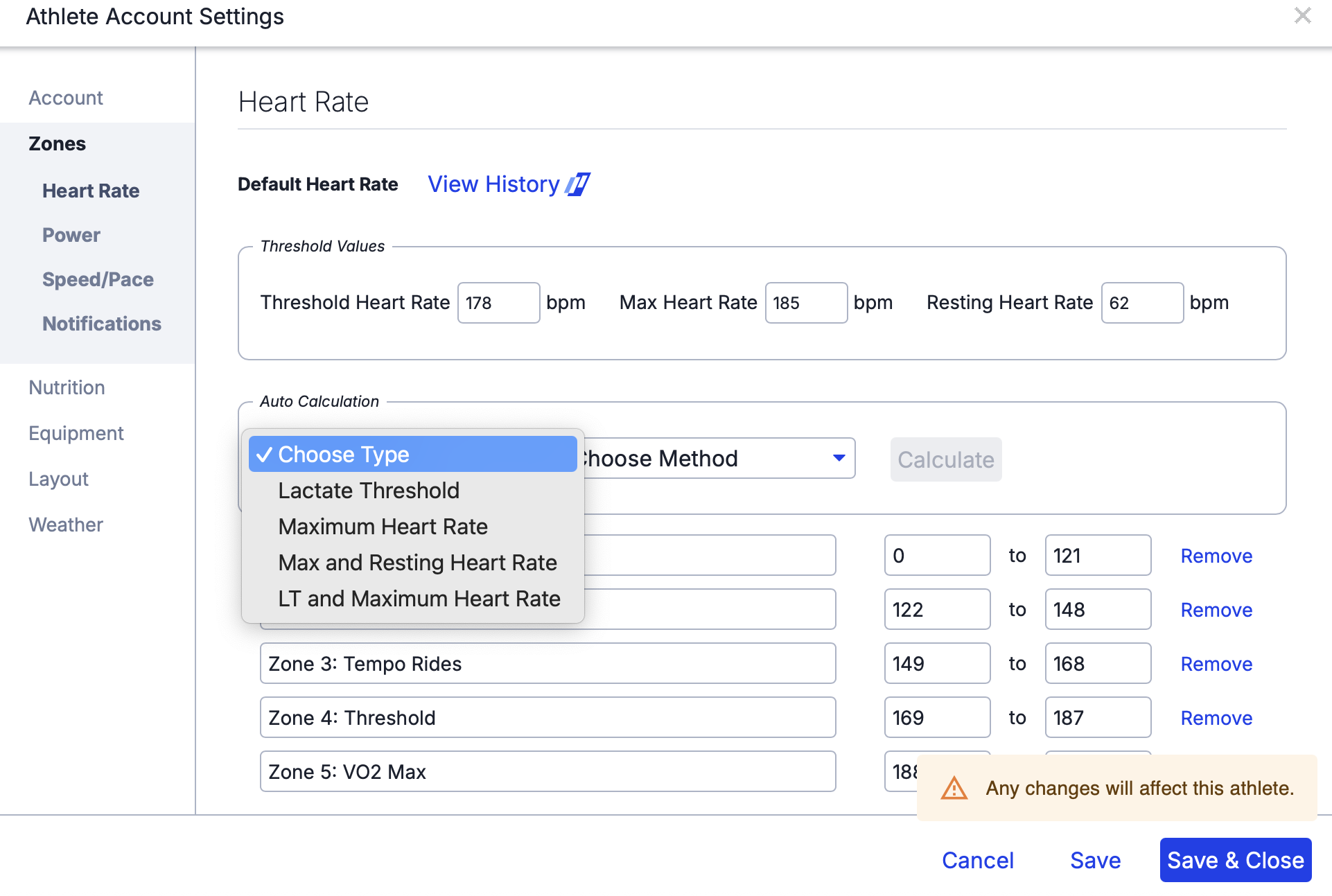
Setting HR Zones
Understanding Zone Labels vs Heart Rate Values
Important: Your workouts are prescribed as percentages of your LTHR (e.g., 70–80% LTHR). TrainingPeaks will calculate the correct heart rate values based on your threshold, but the zone label it displays (e.g., "Zone 1" or "Zone 2") may not match what you expect.
This is completely normal and nothing to worry about.
TrainingPeaks assigns zone labels based on whichever zone calculation method your account uses (Friel, Coggan, British Cycling, etc.). Because we prescribe workouts as percentages of threshold, the zone label is irrelevant—what matters is the actual heart rate range displayed.